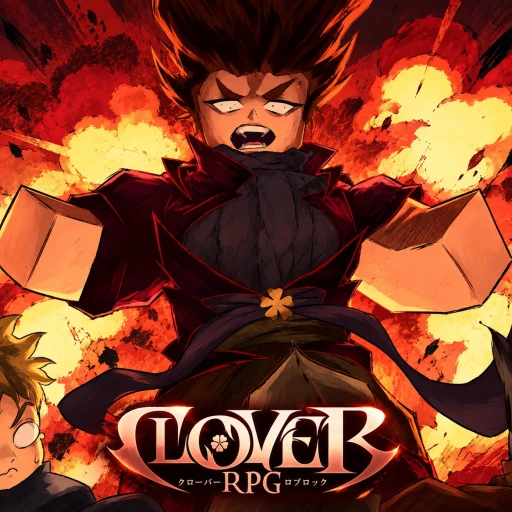
Start Clover RPG by following the opening objectives, learning to defend, and keeping your first build simple. A useful first session ends with a clear next quest and a weapon you can use confidently, rather than an inventory full of rerolls you have already spent.
Your first-session route
Open Clover RPG through the Roblox experience by Thousandfold. It takes place on Elysium and the developer lists PC and console support. Similar names appear elsewhere on Roblox, so check the creator before using a guide or buying anything.
Read the current objective before leaving an NPC. Use your quest journal to separate a destination, an item requirement and a combat objective. Finish one nearby task before crossing the map for another; returning with the wrong item can cost more time than a slow fight.
- Check your menu and control prompts before starting combat.
- Equip your available weapon and read its requirements.
- Complete the current tutorial objective, then review the next journal entry.
- Keep useful materials until you know which nearby quest or recipe needs them.
Learn one encounter before chasing levels
Choose a manageable enemy and watch its opening attack. Practice defending once, moving out once and answering with a short attack sequence. Add damage only after you can recognise the recovery window. This is a practice method, not a promise that every enemy can be parried.
After a failed attempt, change one thing: attack timing, distance or the length of your own sequence. Changing all three together makes it difficult to see what helped. Leave enough room to move, and avoid testing an unfamiliar ability while several enemies are already attacking.
Work toward your first grimoire
Grimoires are the starting point for the magic families in our magic directory. Follow the active quest prompt when it becomes available, then read the abilities you actually receive. Learn how one spell connects with your weapon before judging the whole kit.
Version note: published guides disagree on the early magic level gate. Your current quest objective and in-game requirements take priority. Do not spend a reset just because an older walkthrough names a different level or menu key.
Give your build one job
Choose a practical goal such as safer solo quests or more reliable close-range fighting. Review the attributes and trait requirements that serve that goal, then record your next upgrade in the build notebook. A shortlist is easier to finish than several unrelated upgrades.
Before using a reroll or reset, read what it changes, what it preserves and its current cost. Photograph or note your existing setup. Try the abilities you have unlocked first; difficulty using a fresh kit is not evidence that you need a rarer one.
- Save your magic, race and next objective in the tools page.
- Revisit nearby unfinished quests when you return to a hub.
- Check weapon and ability requirements before spending points.
- End the session by writing down the next NPC, objective or material to find.
Keep your next step in view.
Tick off a suggested route through your journal, combat practice and first build choices.
Track your first sessionGOOD TO KNOW
Before you head out
Can I play Clover RPG inside this guide website?+
Open the official Roblox experience to play. This website is an independent guide and companion tool, not a browser port of the Roblox game.
What should I do before rerolling?+
Read your current skills and the reroll item's description, try your available kit, and compare the reset cost with your next useful upgrade.
Which Clover RPG does this guide cover?+
The Roblox experience by Thousandfold with Place ID 8248164019, set on Elysium.
Sources & review notes
Reviewed October 25, 2026. Developer information takes priority; where public references disagree, this guide avoids presenting disputed numbers as confirmed mechanics.
How we use sources and update guides